---
title: Removing an asset
subTitle: added by another package
currentMenu: remove
---
Sometimes, a package declares an asset but you actually want to ignore this asset in your project.
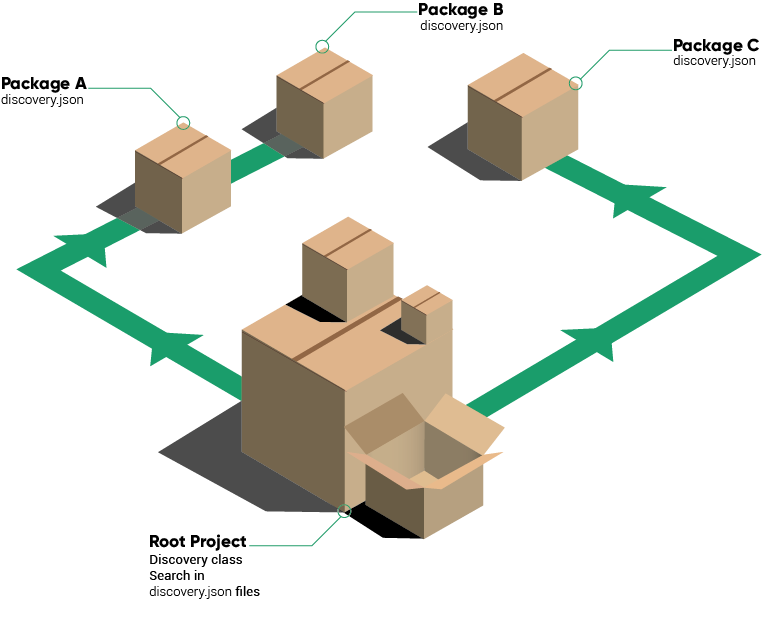
A package "A" can remove the assets added by another package "B" (assuming that package "A" requires "B").
To do so, use the `action` key:
discovery.json for package B
```json
{
"some_asset_type": "some_value"
}
```
discovery.json for package A
```json
{
"some_asset_type": [
{
"value": "some_value",
"action": "remove"
}
]
}
```
This will remove "some_value" from the asset type "some_asset_type".
Note that the root package of your project can also declare a discovery.json file. This is the best place to remove assets added by a package that you don't need.